.png)
Final Update
for Algobrix Backers
We know it has been a long wait,
and we are truly grateful for your commitment.

Dear Algobrix Backers,
Thank you for your patience and support throughout this journey.
We know it has been a long wait, and we are truly grateful for your commitment.
Today, we are happy to share that we have finalized everything needed
to fulfill your long-awaited Algobrix rewards.
This page is designed for Algobrix backers to provide the final update
on the project and details of your packages.
Project Updates
Due to the time that has passed since the original campaign, Young Engineers has taken over fulfillment of Algobrix.

Algobrix is no longer available as a retail product.

It is now used exclusively within Young Engineers’ after school classes.

Backers will still receive the packages as committed during the campaign.
Packages Overview
Regardless of the package you originally selected, you have the option to upgrade your set or add extensions that provide additional robotic parts or tangible coding blocks, allowing you to expand your building and coding possibilities.
4
Robots
AlgoBot
Package ($150)

PCS: 190
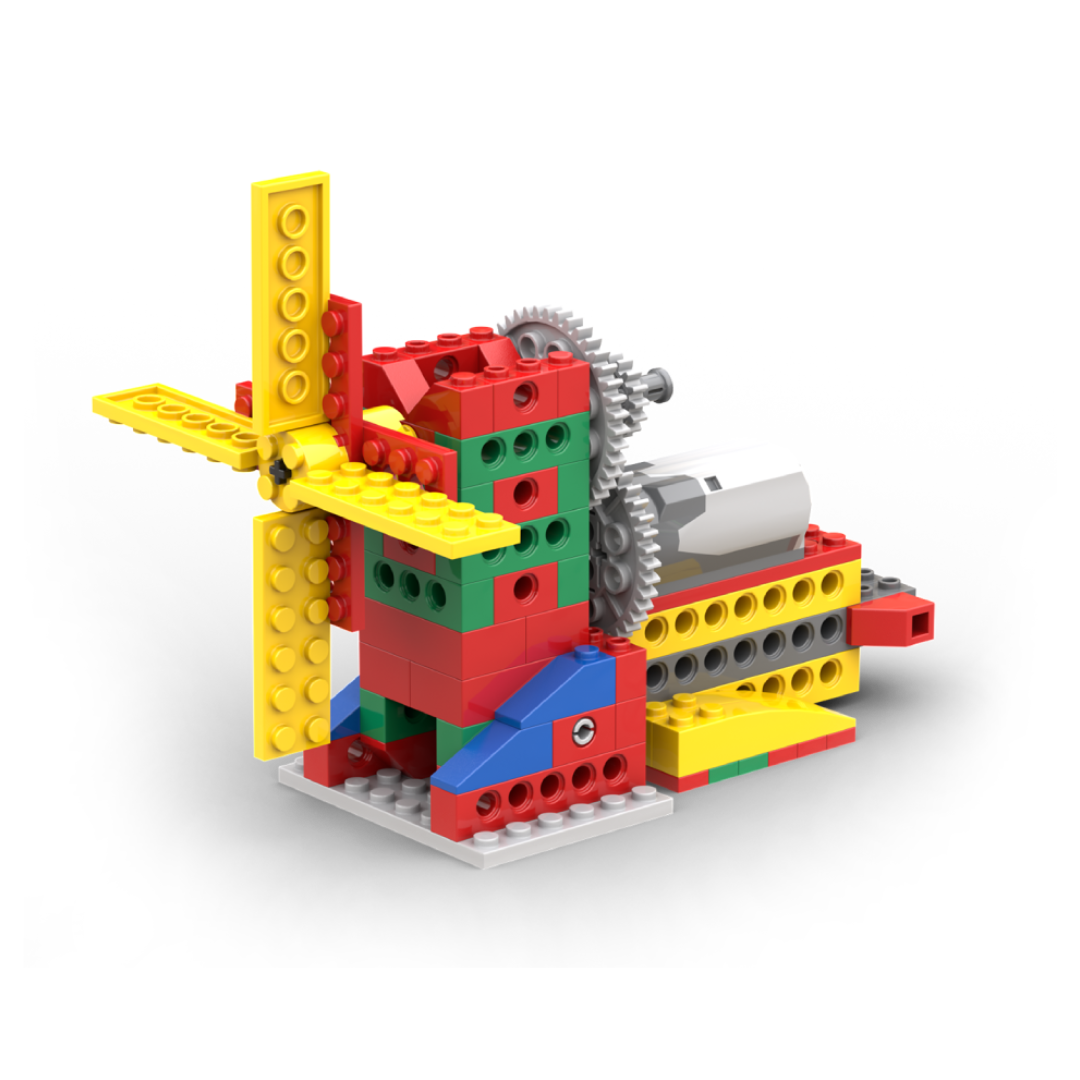

Windmill

Conveyor Belt
.png)
Backbot
.png)
Pendulum Ride
10
Robots
Starter
Package ($194)
PCS: 252

Patrol Police
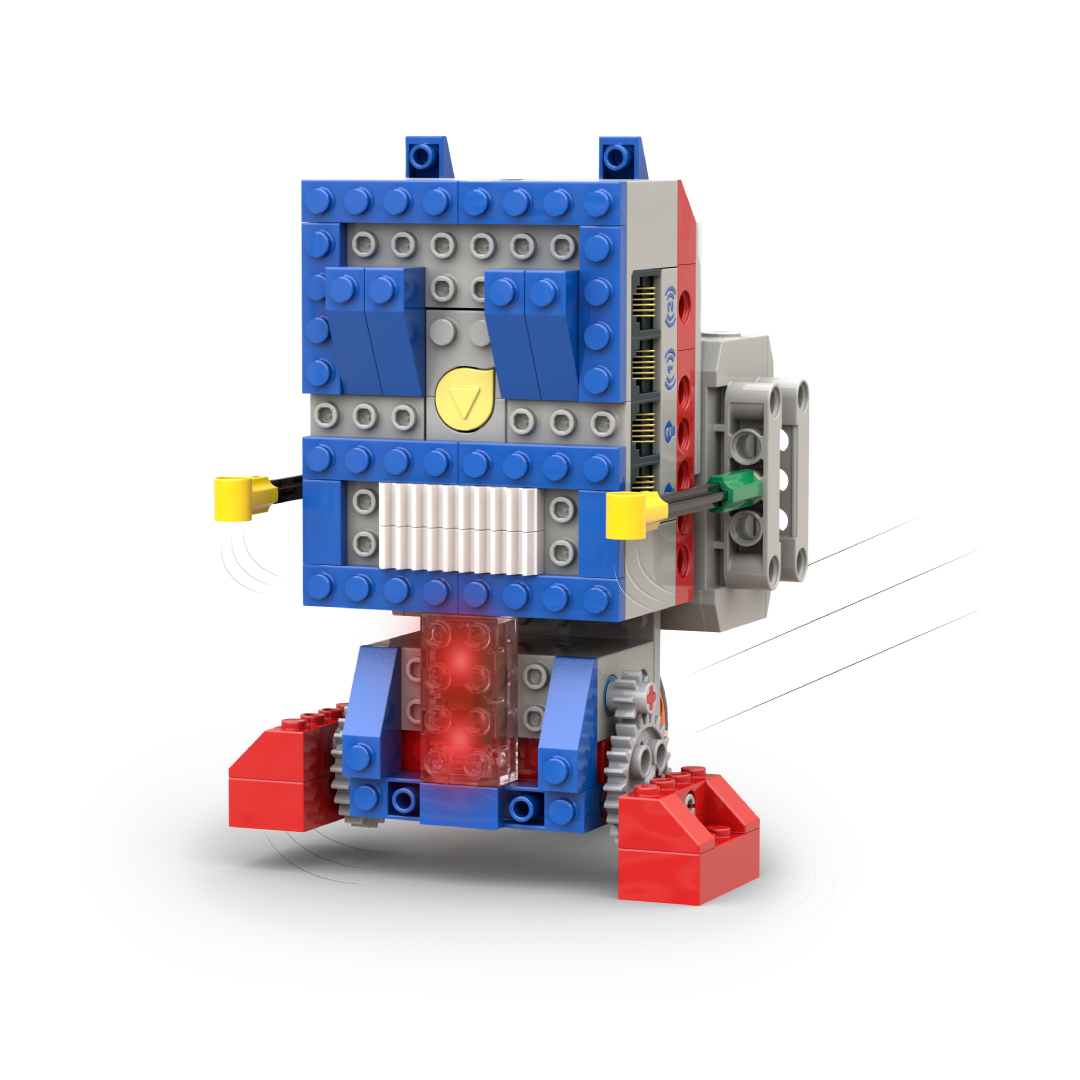
Robo Bot

Painting Easel
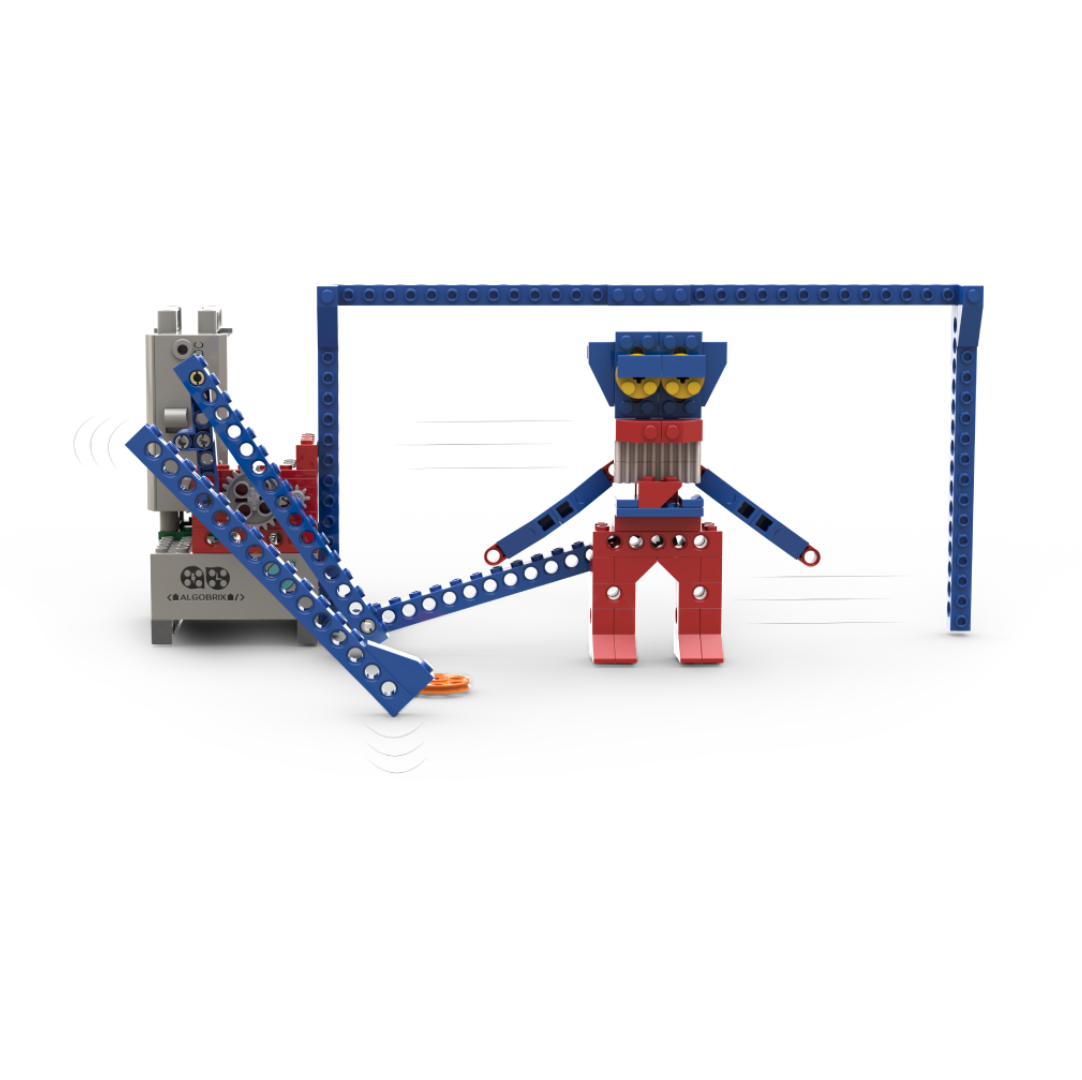
Goaltender
Painting Easel
15
Robots
Standard
Package ($224)
PCS: 315
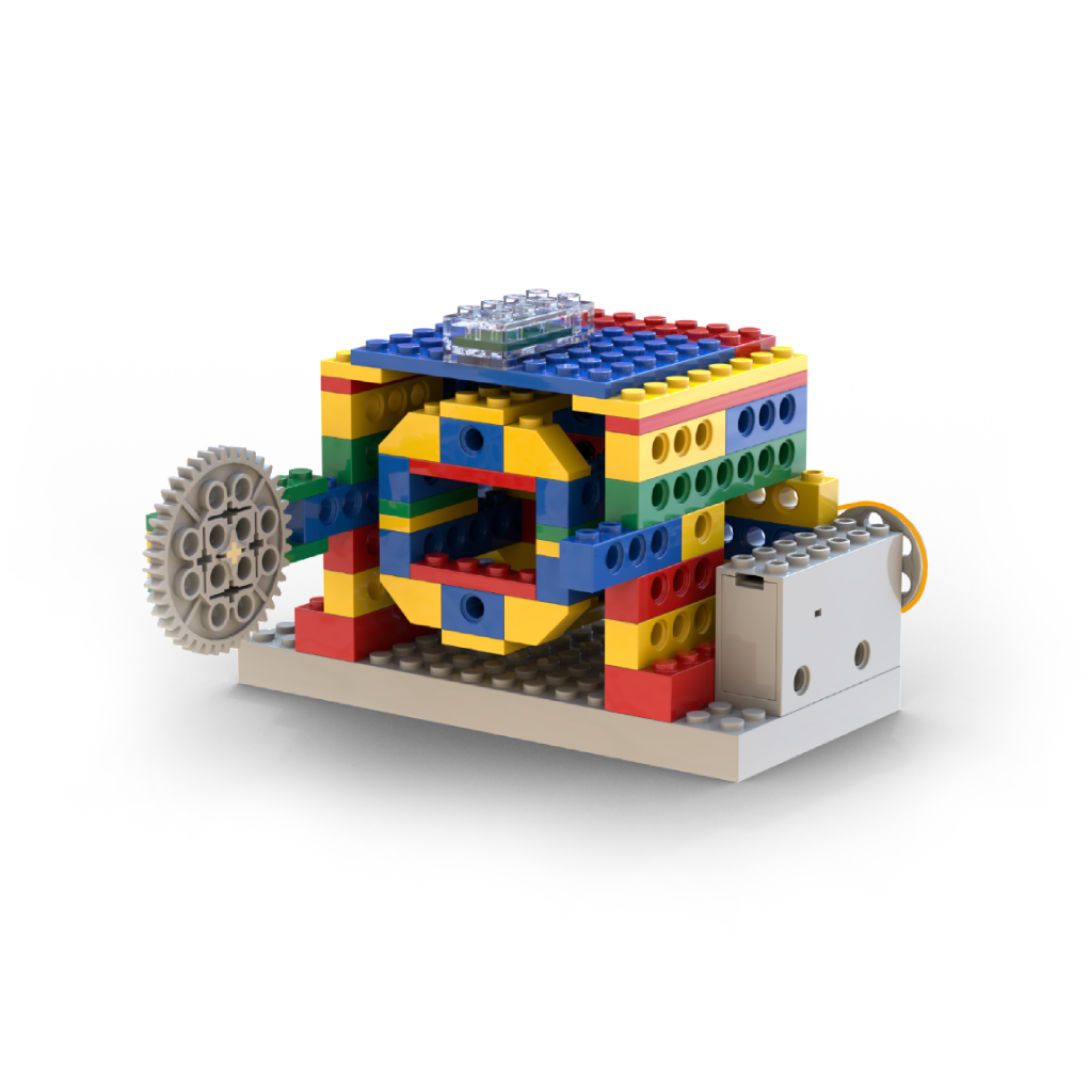
Laundry Machine

Indoor Car Swing
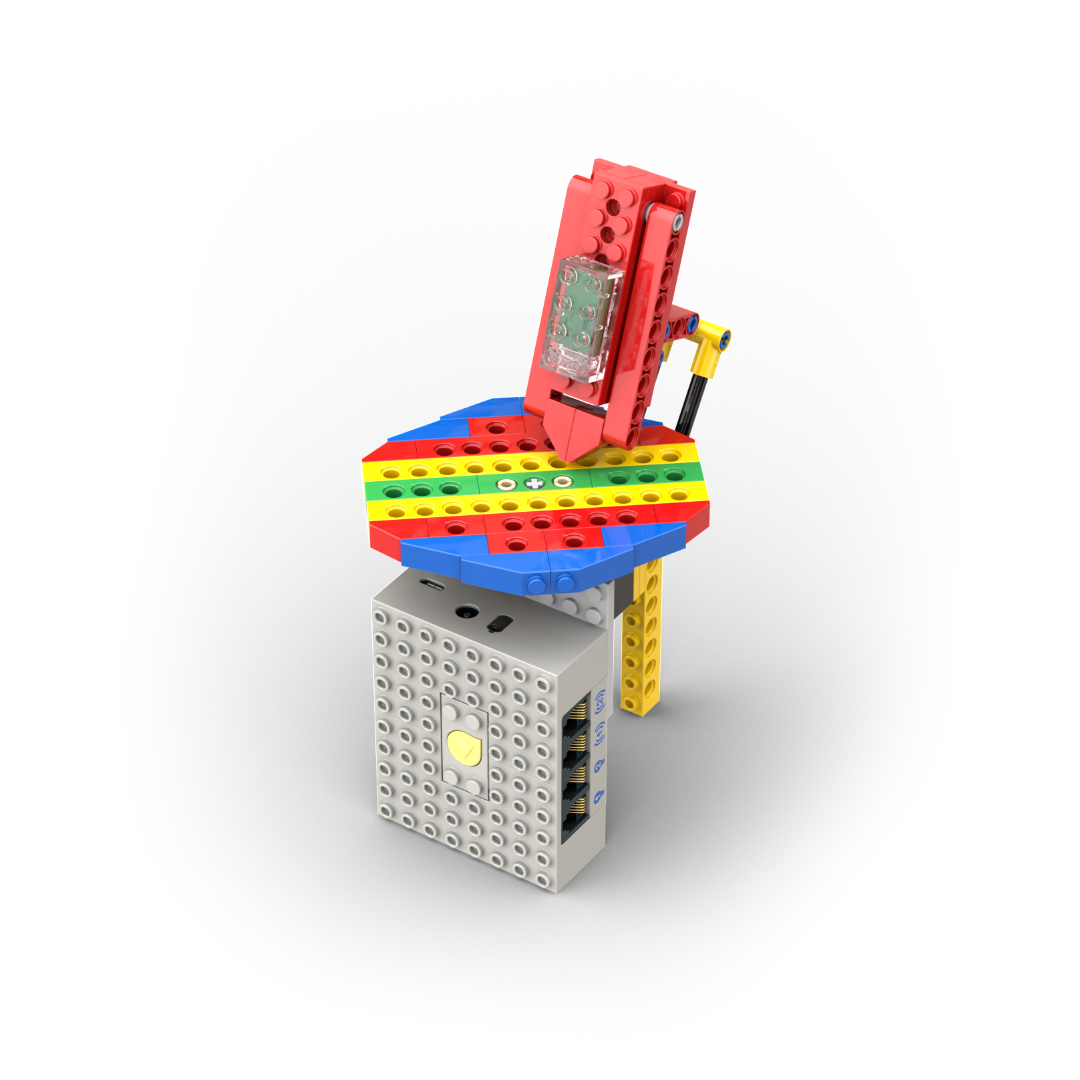
Lucky Carousel
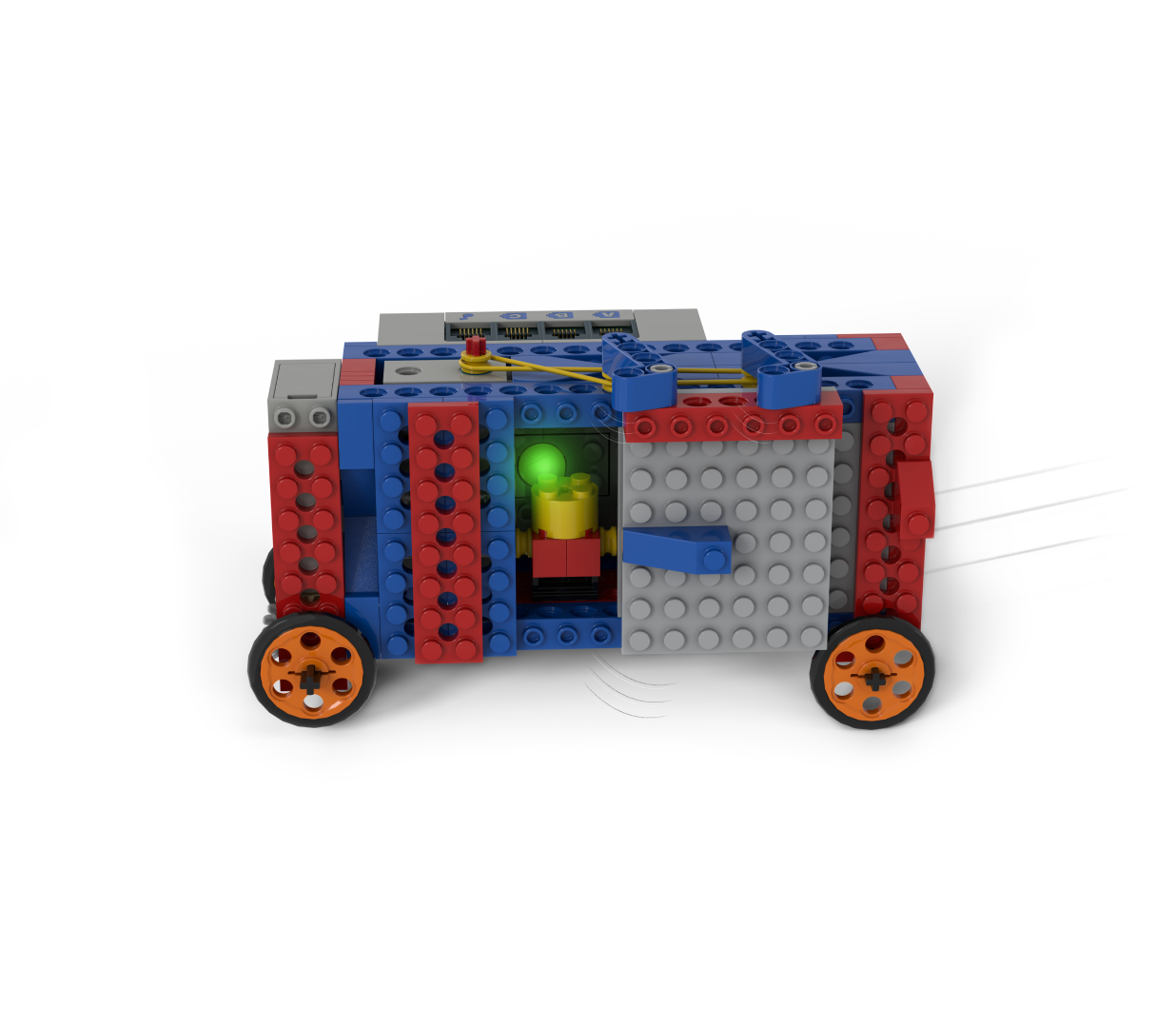
Autonomous Shuttle
Lucky Carousel
25
Robots
Advanced
Package ($279)
PCS: 392
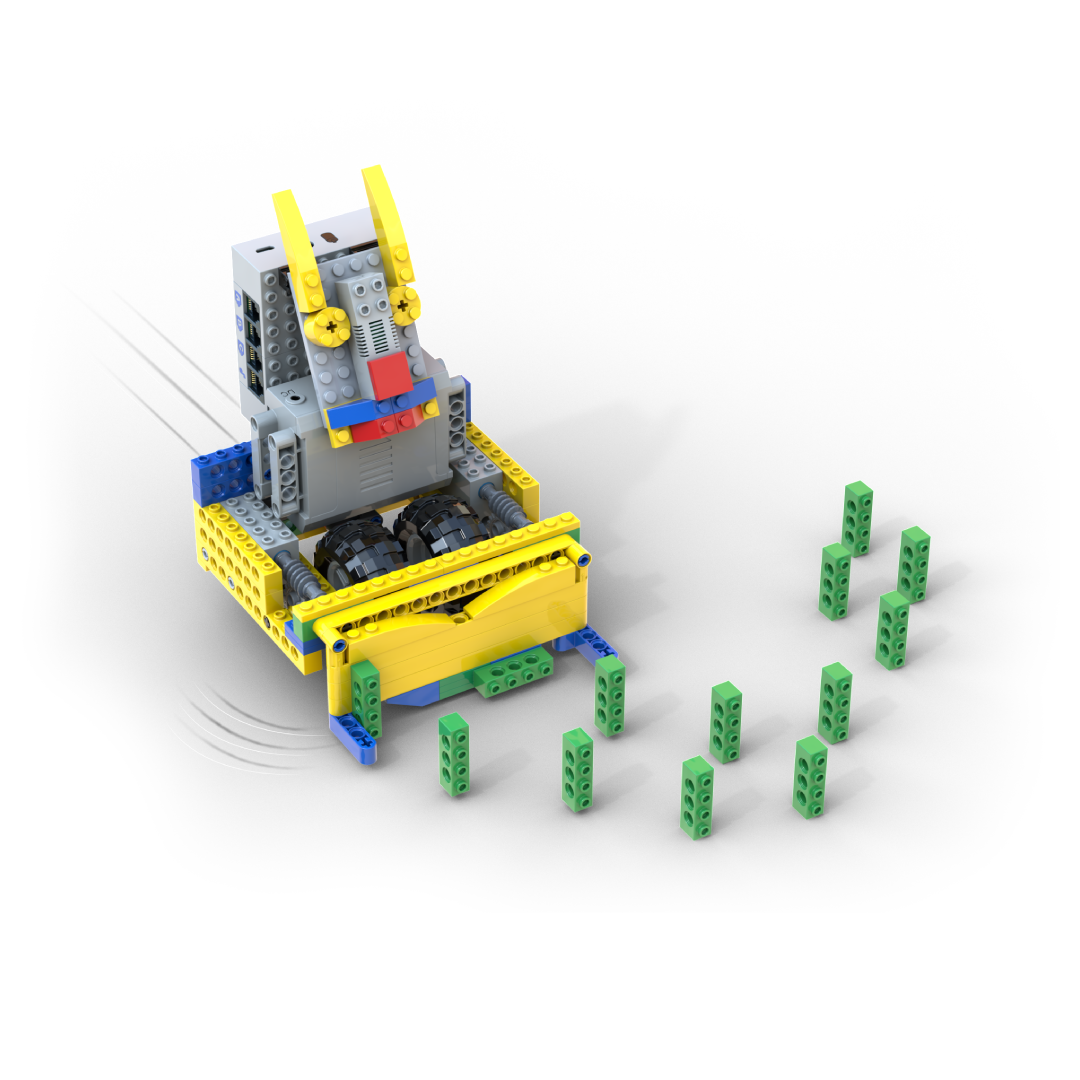
Bricks Collector
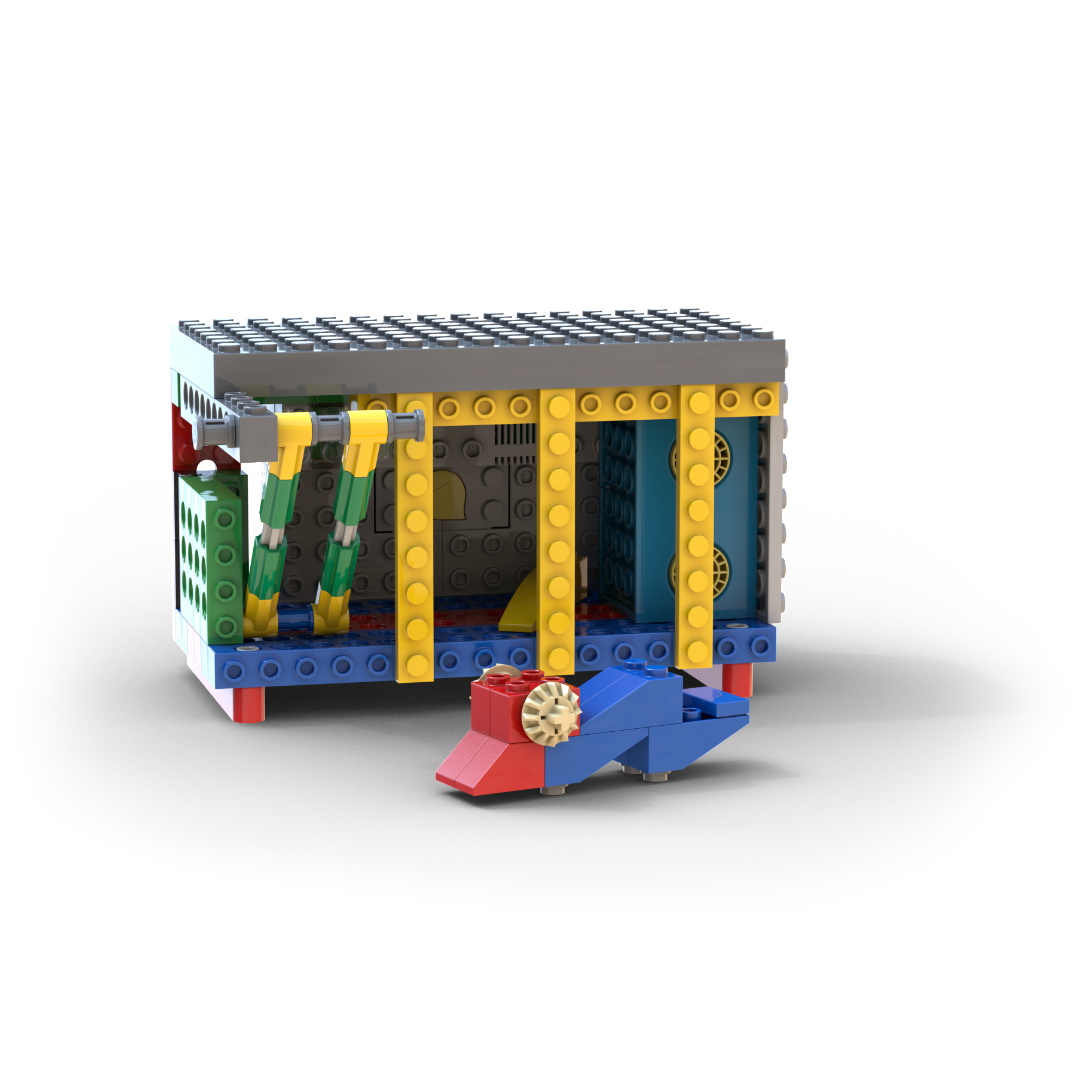
Mouse Trap
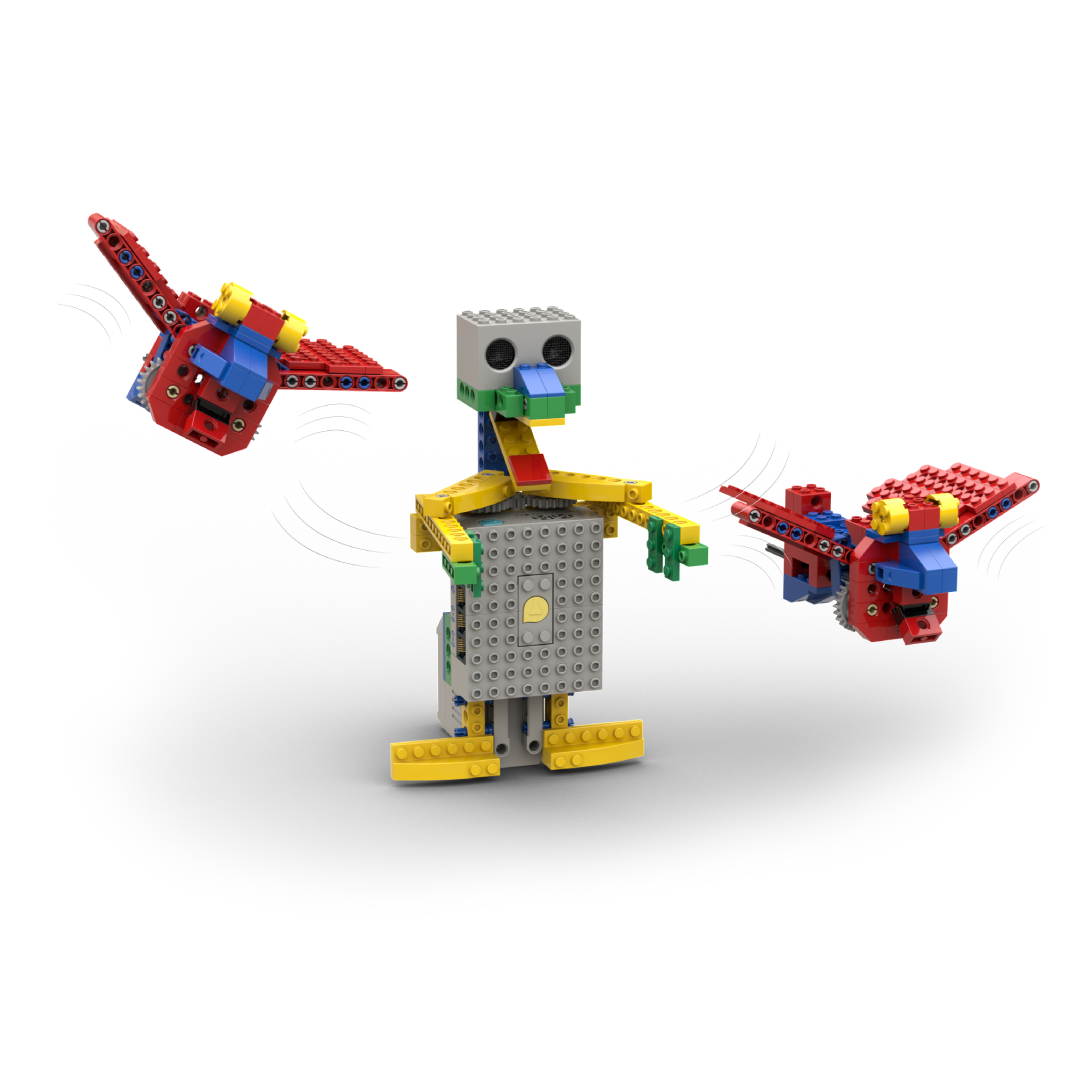
Scarecrow
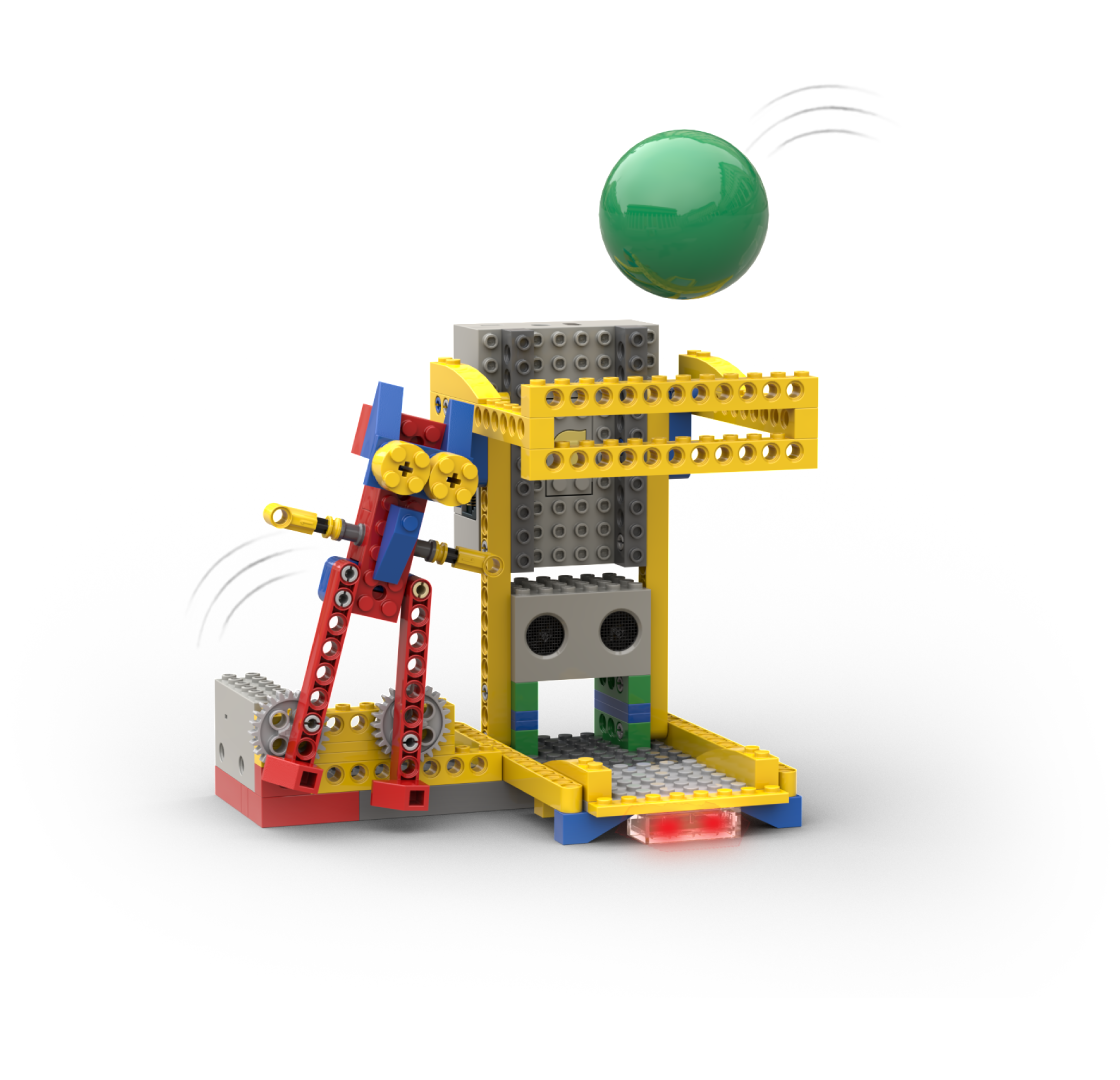
Basketball
Scarecrow
40
Robots
Ultimate
Package ($449)
PCS: 536
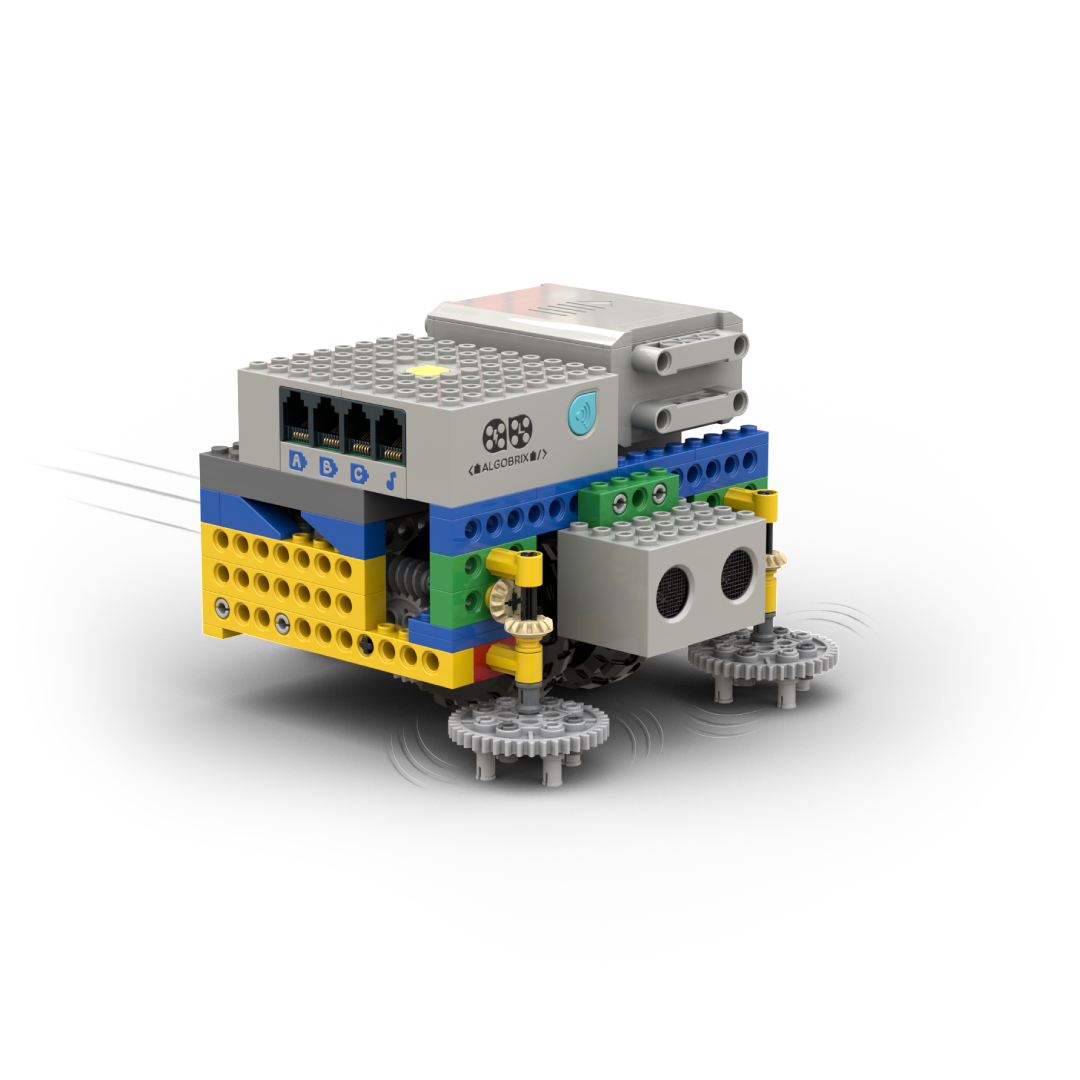
iRobot
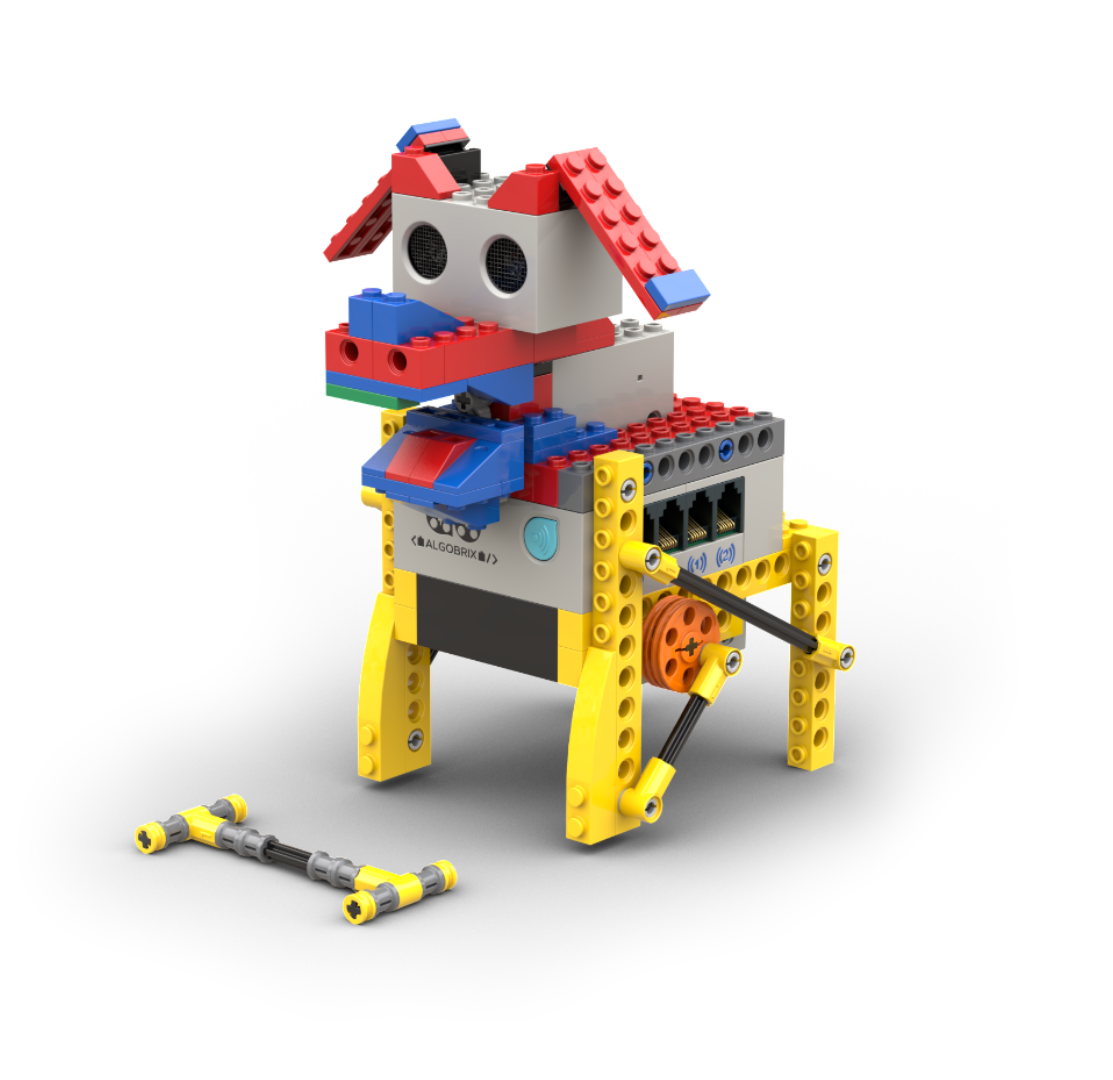
Puppy

Waiter Robot
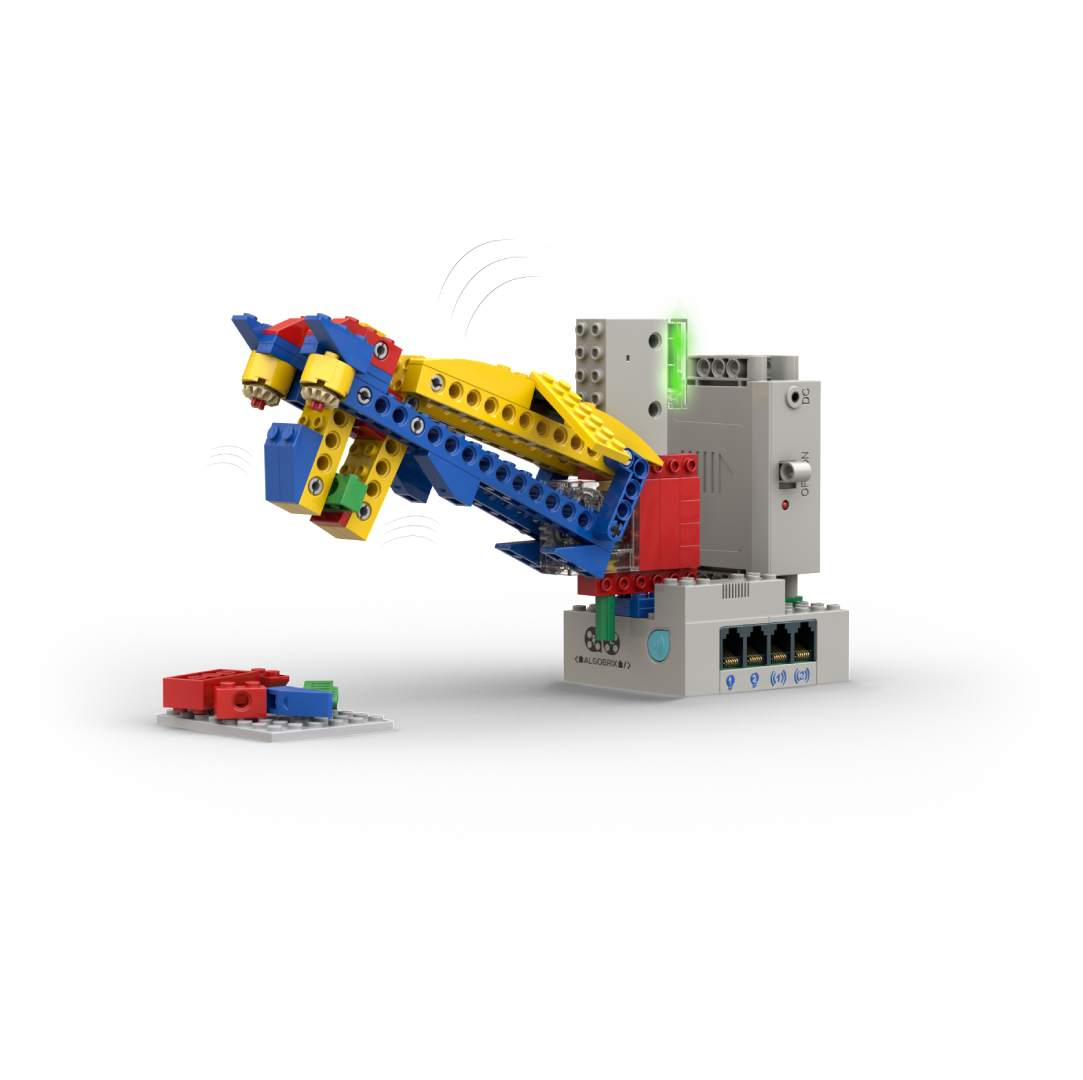
Dragon Claw Machine
Waiter Robot
Algobrix Coding application
The Algobrix coding application updates the original experience to better fit older children. It focuses more on screen-based coding, with less emphasis on tangible coding, while offering many more robots and possibilities.
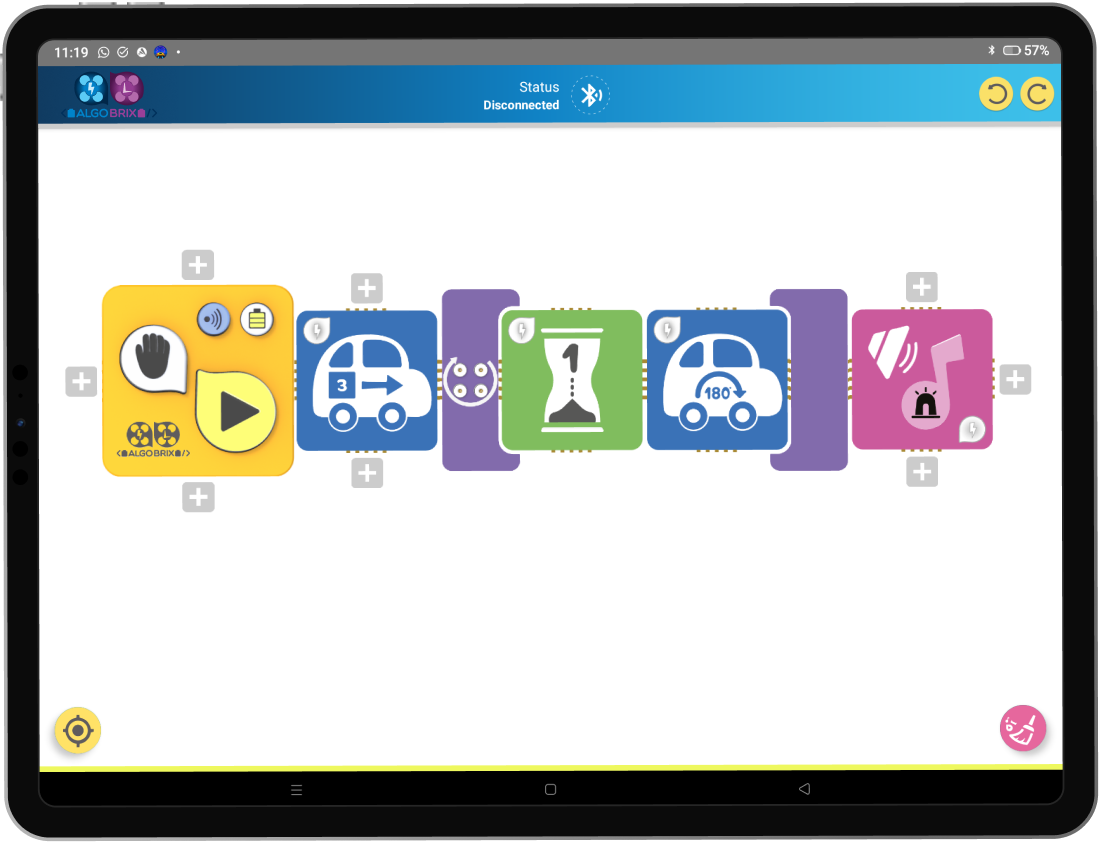
What the application enables beyond tangible coding:

Create unlimited code sequences without physical block limits

Fine-tune movement, timing, light, sound, and sensor behavior

Combine multiple actions in complex sequences

Access a much larger set of robots and behaviors

Build more advanced logic than tangible coding allows

Edit and iterate code instantly without rebuilding
 If you still prefer tangible coding, you can adjust your package by upgrading or downgrading. Please refer to the required pledge amounts for each option. If you don’t remember your original pledge, you can also view it directly in BackerKit.
Order confirmation
To complete your fulfillment process, please confirm your order through BackerKit.
Here’s how it works:
1
Checkyour email
You will receive a message from BackerKit (sent to the same email you used when backing Algobrix).
2
Openthe link
The email includes a direct link to the campaign backer page.
3
Reviewyour details
Verify your shipping information and order contents.
4
Submitconfirmation
Once confirmed, your order will be prepared for fulfillment.
If you do not receive the email, please check your spam folder or contact our support team atalgobrixbackers@youngengineers.org
Fulfillment & Shipping Details

UPDATING YOUR ADDRESS
- If your shipping address has changed since your original order, you must update it in BackerKit. Once production begins, addresses can no longer be modified.
- Please ensure that the address you provide will remain valid for the duration of the fulfillment process, as shipments will take place over several months.

FULFILLMENT POLICY
- Deliveries will be handled by third-party shipping providers. While we will do our best to ensure safe delivery, we are not liable for any loss or damage caused during shipping.
- For added security, you may purchase shipping insurance through BackerKit for an additional charge.

LOGISTICS & STANDARDIZATION
- In some countries, your package may be subject to standardization requirements before final delivery.
Resources & Access
Building Instructions
Each Algobrix set includes step-by-step building instructions that show you exactly how to assemble the Robots in your package, and recommended codes for excitingly running your robots.

Login required: Use the same email you used during the campaign.

First-time access: You will be prompted to create a password before viewing instructions.

Coding Methods & Video Guides
Icon-based coding
Algobrix can be programmed in two ways:
Screen Coding
(default)

Use the Algobrix App on iOS or Android tablets
Use your backer e-mail to log in
.png) see instructions
see instructionsVideo Guides
1/2

App Installation Guide
App Installation Guide
.png)
Tangible Coding
Tangible Coding

Code by arranging and connecting physical coding blocks.

Each block represents a command (e.g., move, turn, light).

A hands-on way to learn programming concepts without screens.
Tangible coding is available but limited and not recommended for older children. To use it, you will need to downgrade your package and add tangible add-ons.
Video Guides
1/3
Connecting the Play Block with the Brain Block
Connecting the Play Block with the Brain Block
Connecting the Play Block with the Brain Block
C/C++ Programming
Program robots using the C-based AlgoC language within the Arduino IDE environment.
AlgoC


In this document, you can find detailed information about all the AlgoC
Project Policy & Support

Timeline Disclaimer
Fulfillment will follow a priority approach: backers who placed their orders earlier will be processed first, particularly in cases where inventory is limited.

Parts Assurance
All kits are pre-sorted by machine to minimize packing errors.

Support
For any questions, please contact our team at: algobrixbackers@youngengineers.org